

New Position: UX Writer GPTs
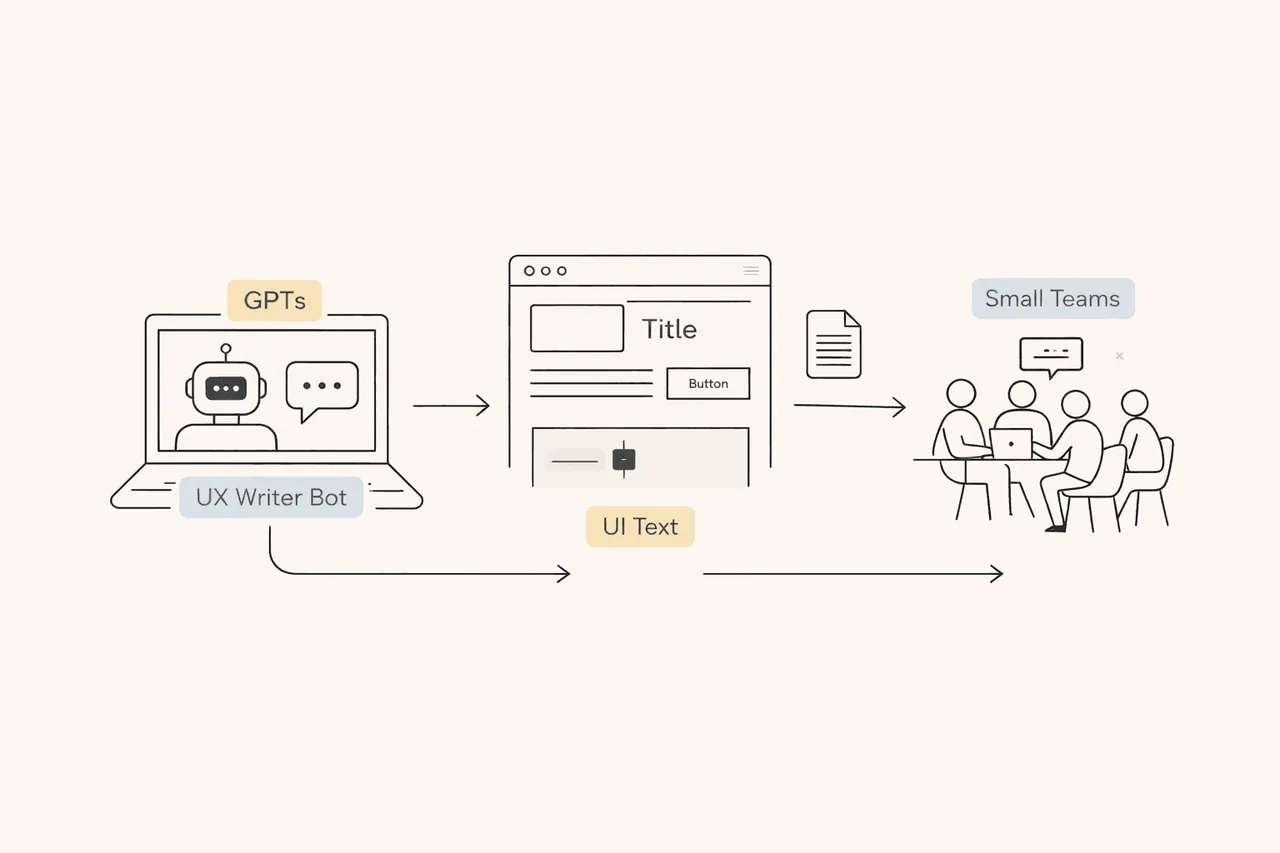
Here’s a suggestion for small teams that can’t afford to open a dedicated UX Writer position:
First, clearly define your brand’s language, voice, and tone. Then create a brand-specific bot (GPTs) using ChatGPT. Teach this bot your brand details so the team can use it correctly.
This way, your product or marketing language won’t break every time a team member changes or different people revise the copy.
I should say this upfront: to create GPTs, you need to upgrade your ChatGPT account to Go or higher (unfortunately).
Consistency is everything.
Topics
- Writing Style Document
- Creating a one-page voice and writing style document for your brand
- Pre-work: creating GPTs
- Prompt template
- Approved copy repository
- GPTs creation step
Writing Style Document
This document will be the “constitution” of your GPT. It should include:
- Brand voice: 5 core rules (do / don’t)
- Microcopy principles: clarity, action-oriented language, short sentences
- Terminology glossary
- TR / EN translation principles (optional)
- Example templates: error messages, empty states, confirmation modals, etc.
Based on this framework, I can also create a one-page “Kolay İK UI Copy Style Guide” draft for you.
Pre-work
The following points must be crystal clear in the GPT’s instructions:
- “You are the Kolay İK UX Writer Copilot.”
- “Always ask for context first: screen, target user, goal, action.”
- “Deliver the output in a standard format:
Title / Body / CTA / Secondary CTA / Error messages / Notes.” - “Always generate two alternatives:
one more formal, one warmer — both aligned with the brand.”
Prompt Template
If everyone on the team uses the same template, consistency increases dramatically. For example:
- Screen name:
- User:
- Goal:
- Component: (modal / toast / tooltip / form label)
- Tone: (normal / warning / urgent)
- Constraints: (character limit, mandatory words)
- Language: TR (+ is EN needed?)
Approved Copy Repository
GPT generates → the team uses it.
But if you collect the “best” copies in one place over time:
- Consistency improves
- It becomes training data for GPT (examples)
- New team members onboard much faster
GPTs Creation Step
Instructions
Use this section to define the rule set that prevents ChatGPT from hallucinating and ensures consistent behavior.
You can also get help from ChatGPT while creating these instructions.
Conversation Starters
Prepare starter prompts that help users begin quickly and correctly. This ensures everyone starts with the right question and gets consistent output. For example:
- Write modal / warning copy
- Write UX copy for a screen
- Generate an error message
- Generate TR + EN UX copy
Knowledge
Since you already define what you want in the Instructions, do not upload:
- General UX writing books
- Medium articles
- “Best microcopy” examples
These can create inconsistency in outputs.
Instead, upload:
- Approved copy documents
- Industry-specific terminology and explanations
- Product context documents
Think of the Knowledge section like this:
“If we handed this to an agency tomorrow, could they write exactly like us just by looking here?”
If the answer is yes → you’re on the right track.
Recommended Model
My recommendation:
Default → GPT-5 Instant
Capabilities
Choosing the right settings defines “where GPT should know its limits”:
- Web Browsing — OFF
- Image Generation (DALL·E) — OFF
- Code Interpreter / Advanced Data Analysis — OFF
- File Upload / Knowledge — ON
With these settings saved and published, you’ve effectively hired a UX Writer ready to work inside your company.
Congratulations 🎉
One last reminder:
If budget isn’t an issue, I strongly recommend working with professionals. AI is still a supporting tool, not a replacement.
Thanks for reading this far.
Don’t forget to subscribe so you don’t miss future articles.
Best Regards